- Built for
- Antar
- Role
- Mobile App Developer
- Platform
- iOS & Android
- Type
- Mobile App
Overview
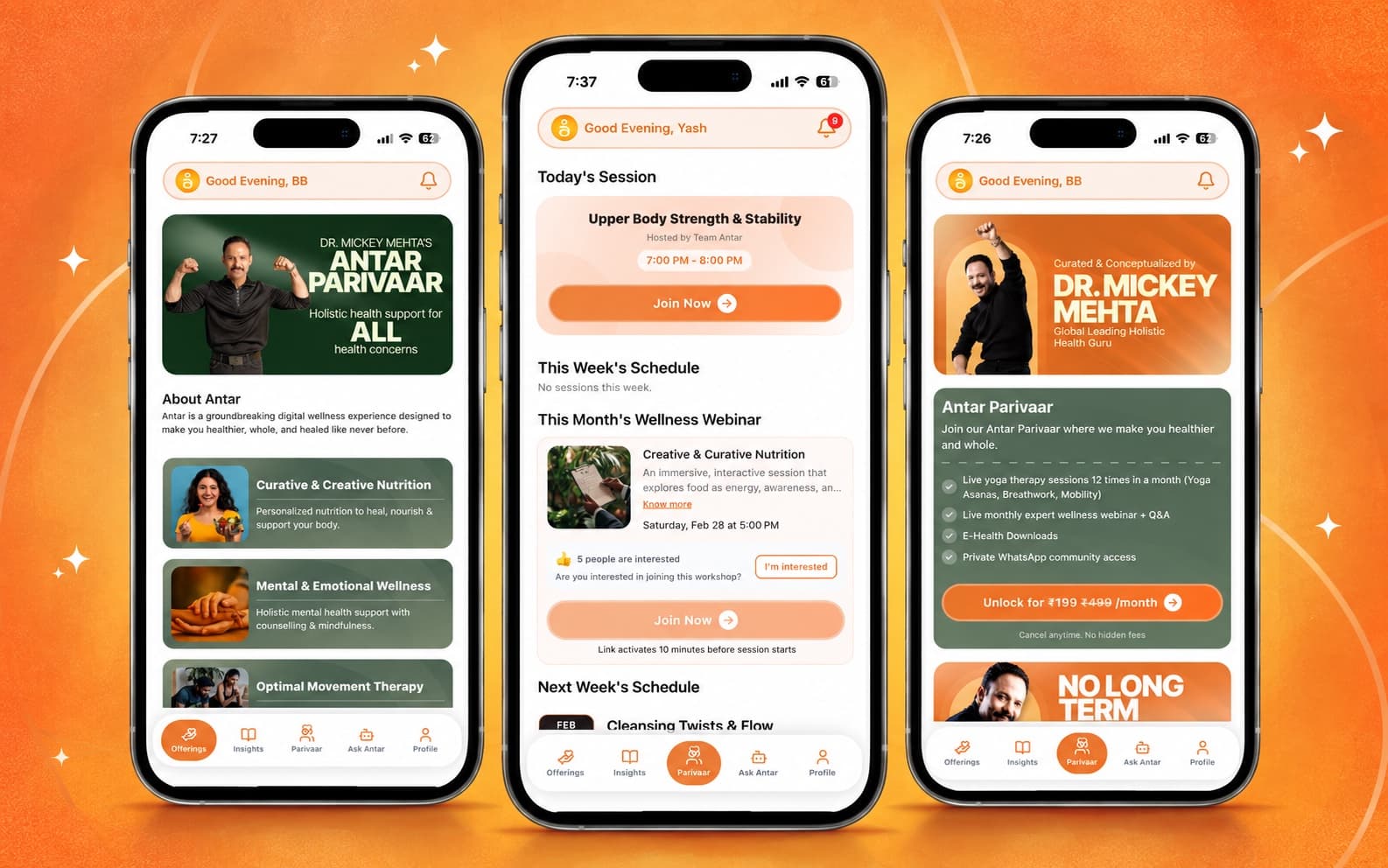
Antar is a holistic-wellness app for iOS and Android. Members browse nutrition, mental-wellness, movement and physiotherapy services and condition-specific guides, and read health articles. A paid "Parivaar" membership unlocks scheduled live group sessions, monthly webinars and downloadable wellness toolkits.
The problem
Wellness advice online tends to be quick-fix and generic. Antar offers personalised, whole-person guidance across nutrition, movement, mental health and physiotherapy, with a paid community for ongoing live practice.
What I built
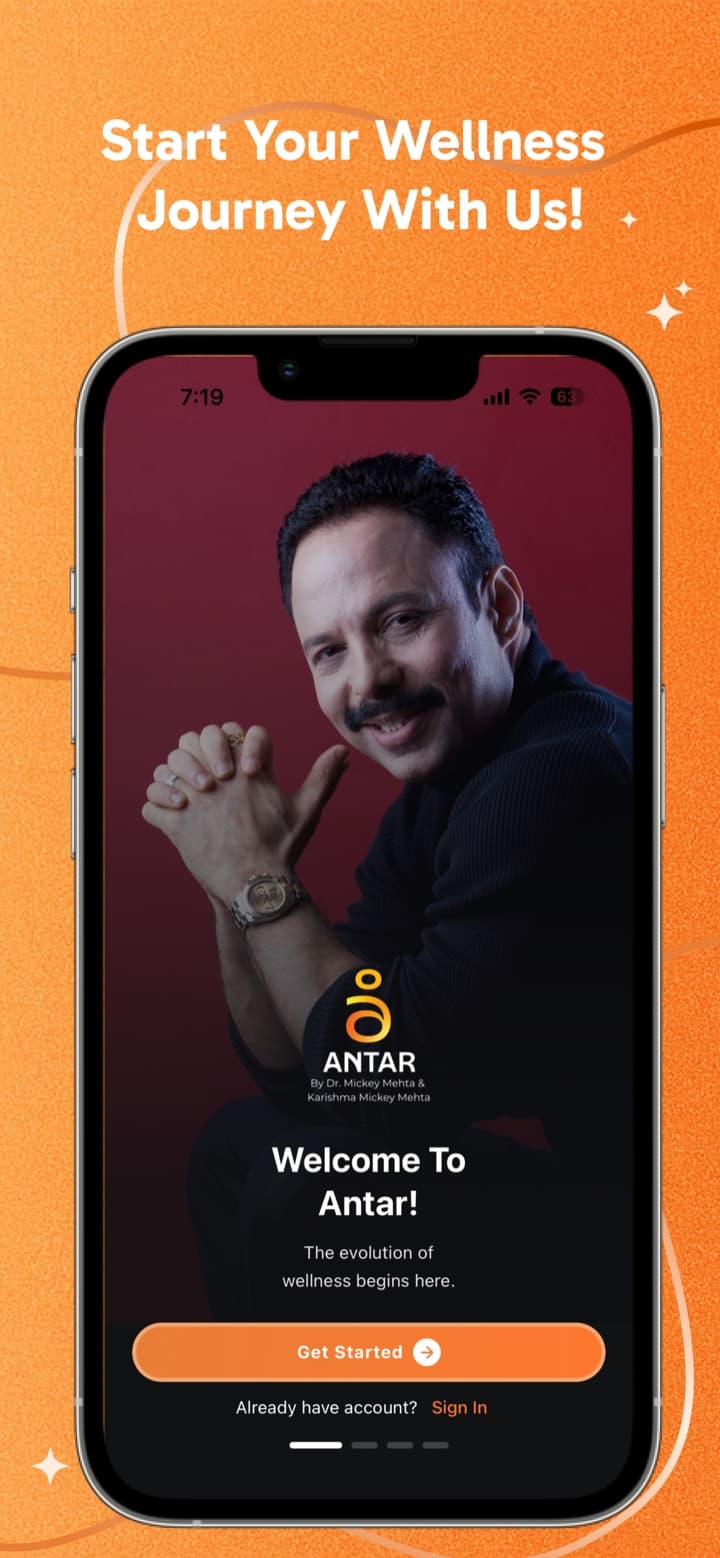
- 01Four ways to sign in: Google, Apple, phone OTP or email OTP, with per-country phone number validation
- 02Guided profile setup that collects age, gender, activity level and wellness goals
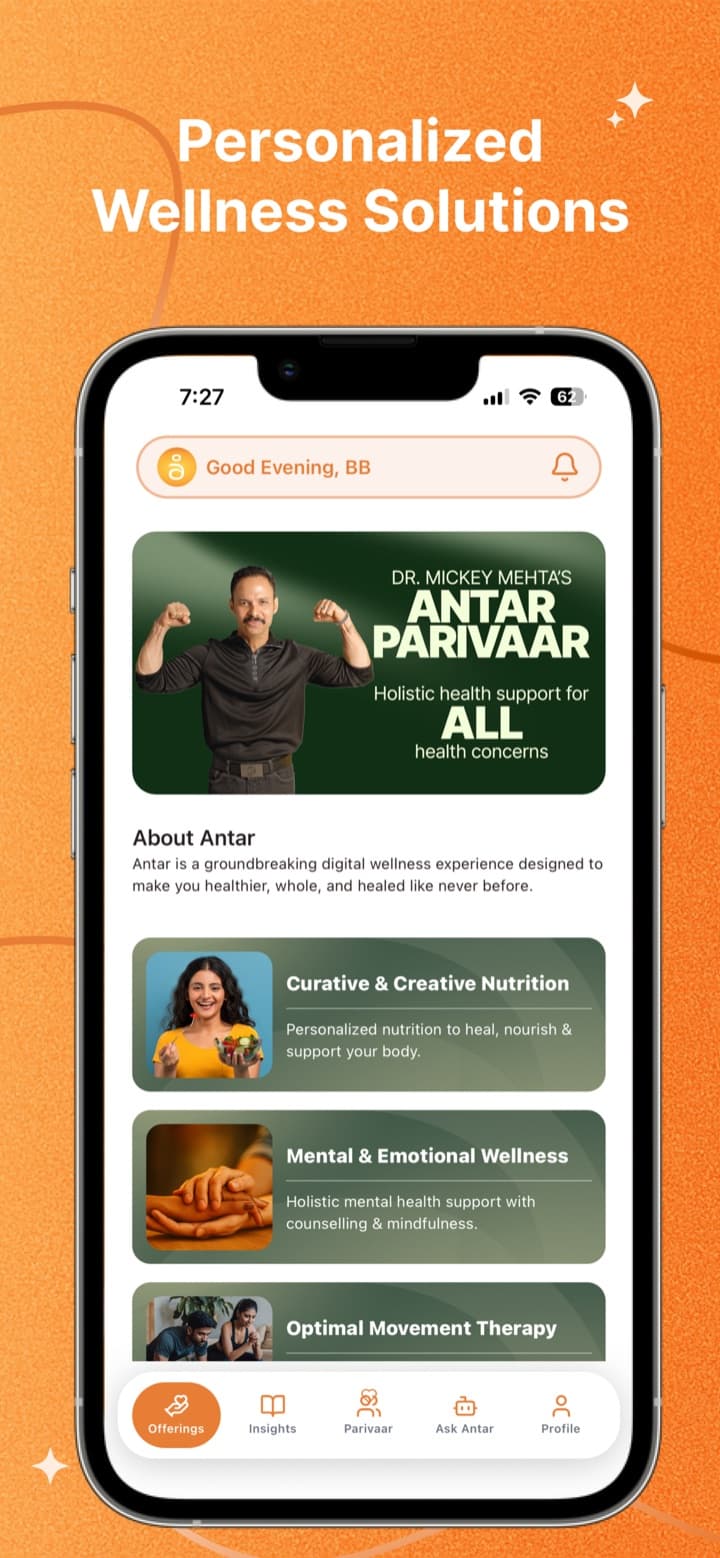
- 03Service catalogue for nutrition, mental wellness, movement therapy and physiotherapy, plus 8 condition guides
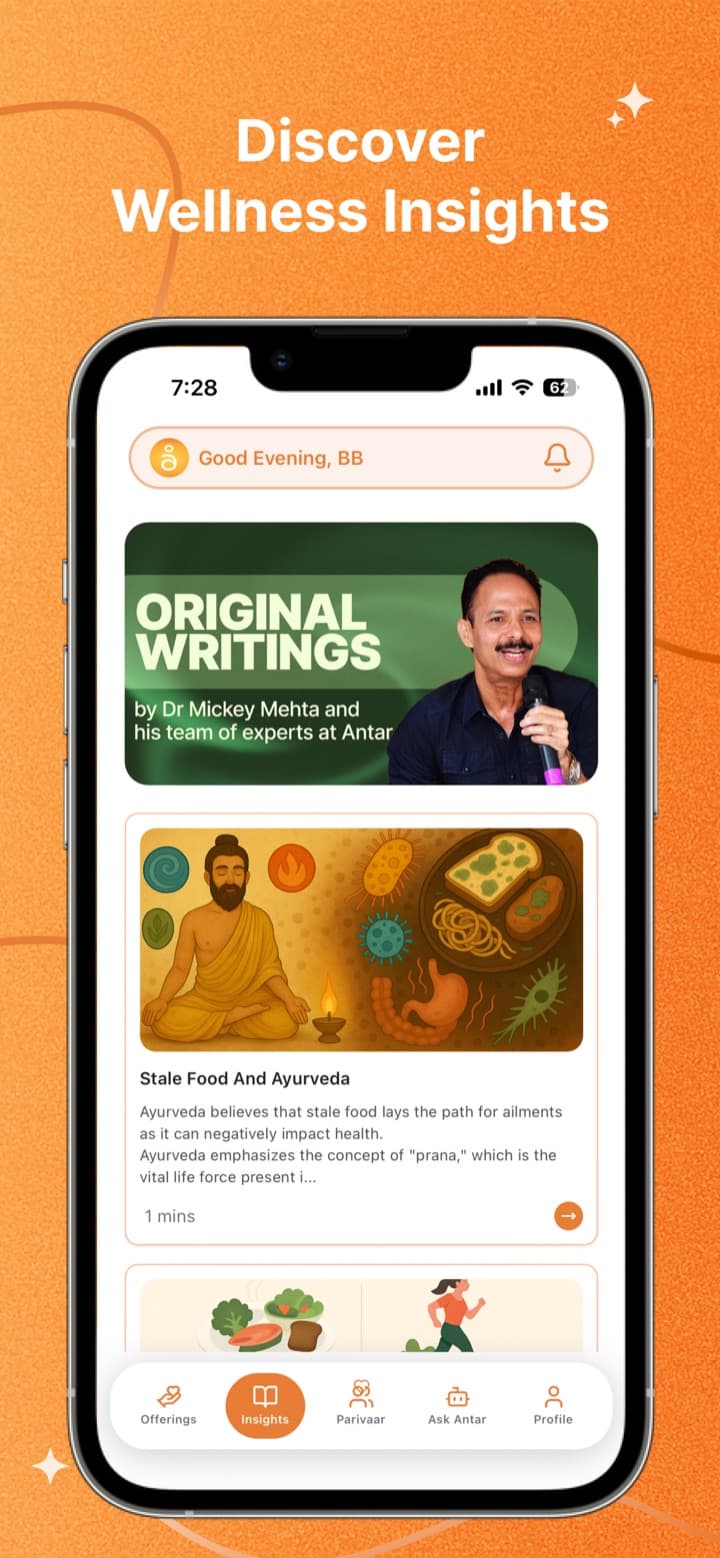
- 04Insights tab with health articles pulled from a Shopify blog and cached for fast reopening
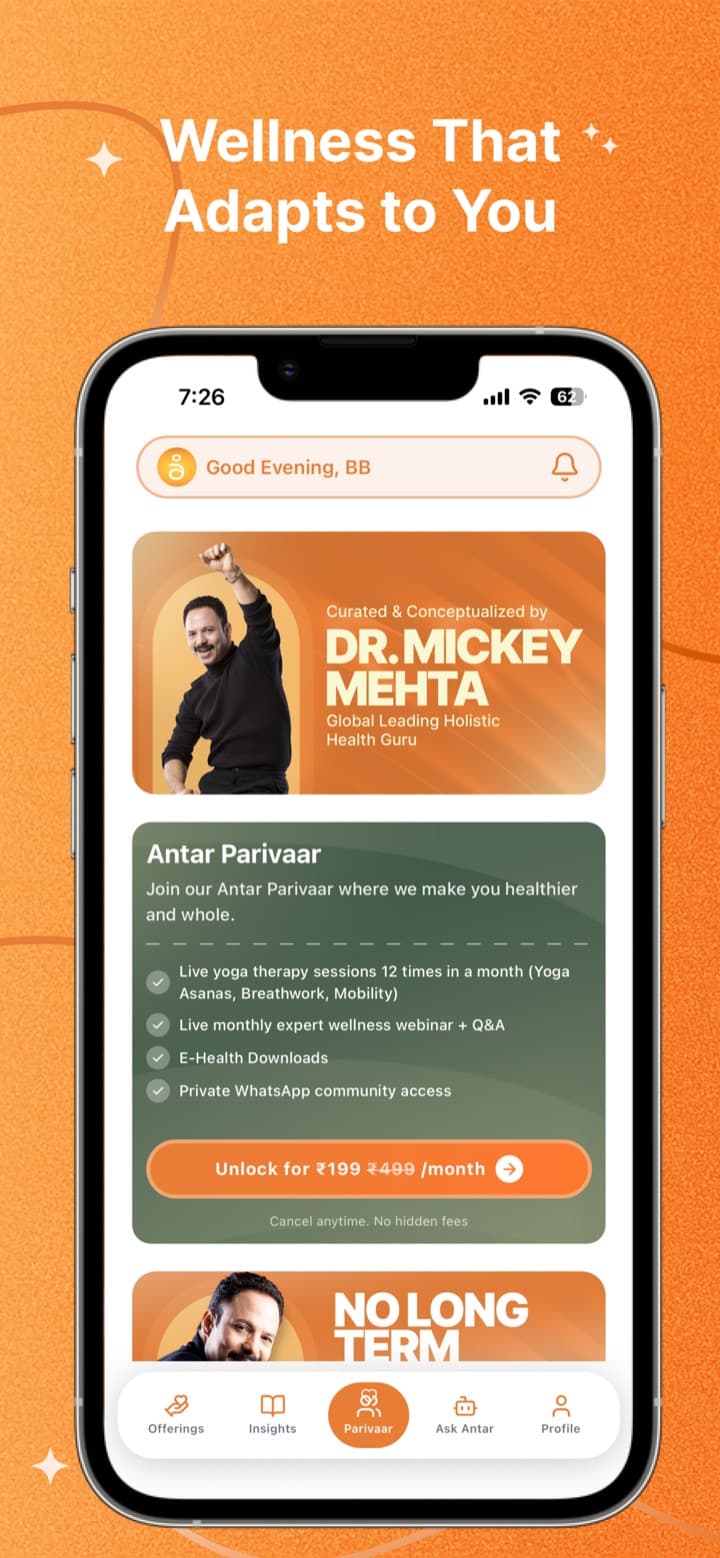
- 05Parivaar membership with four billing lengths, coupon codes and in-app payment
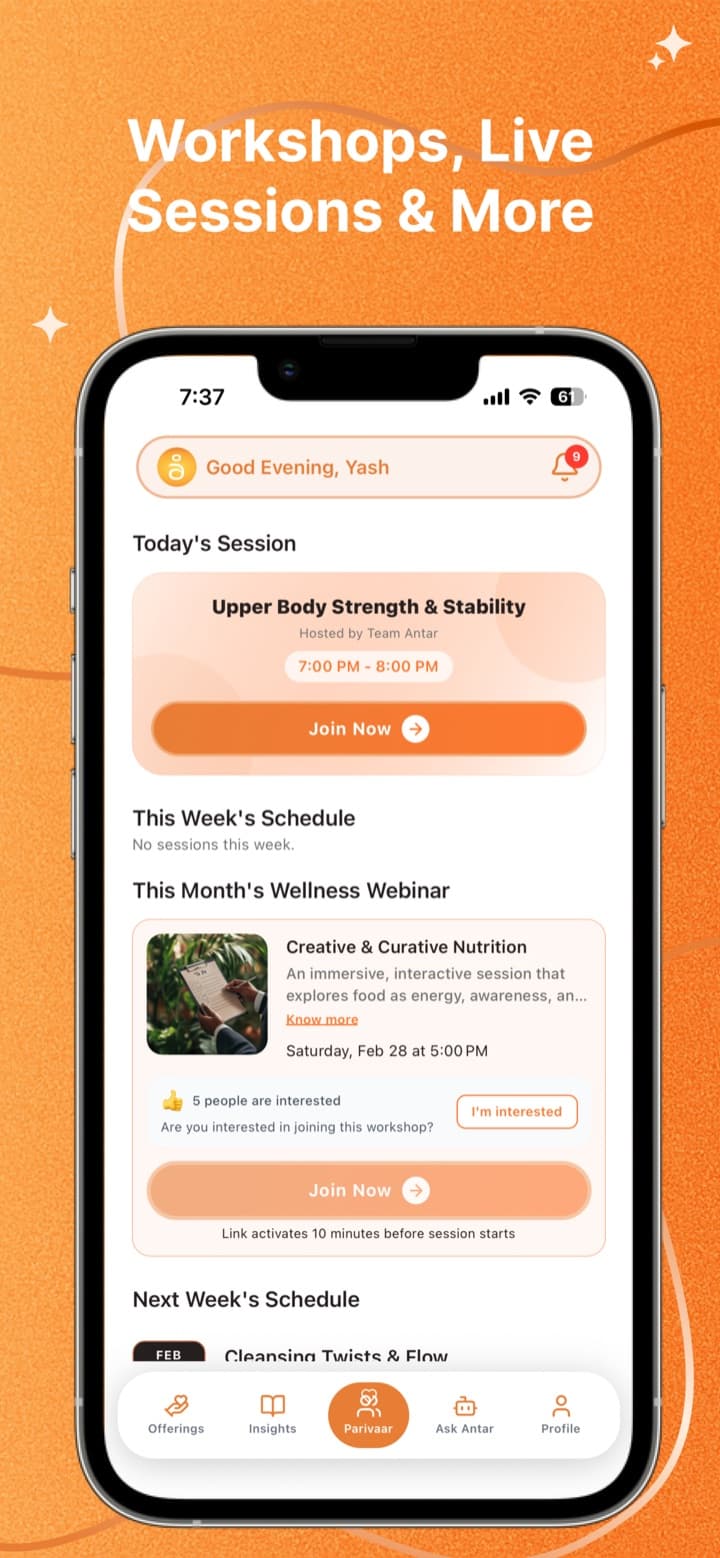
- 06Live-session schedule with weekly and monthly views, join links and webinar registration
- 07Monthly wellness-toolkit PDFs that unlock on a schedule for subscribers, with an in-app viewer
- 08Push notifications with an in-app inbox, profile management and in-app account deletion
Who uses it
Visitor
Sees the onboarding carousel, then signs in or registers.
Free member
Browses services, condition guides and articles, manages their profile and goals, and can buy a Parivaar plan.
Parivaar subscriber
Joins live sessions, registers for monthly webinars, opens unlocked toolkit PDFs and the community group.
Key flows
- Onboarding
- Sign in with Google, Apple or OTP
- Complete profile
- Land on the Parivaar tab
- Choose a plan
- Apply a coupon
- Razorpay checkout
- Backend confirms payment
- Sessions and toolkits unlock
- Open the schedule
- Tap Join
- Attendance recorded
- Meeting opens
- Joined or not joined is logged on return
How it's built
One Expo and React Native codebase ships to iOS and Android, with file-based routing and Tailwind-style styling through NativeWind. It talks to a separate REST backend through a single API wrapper and loads its articles from a Shopify blog.
- Four sign-in methods, one session
- Google and Apple go through Clerk, then the app trades that identity for the backend's own session token. Phone and email OTP go straight to the backend. Every path ends in the same session and routing, and failures such as a timed-out callback or a missing Apple email are handled.
- Subscription payments and their edge cases
- The app creates the order on the backend, opens Razorpay checkout and sends the result back for confirmation. It handles percentage and fixed coupons, fully discounted orders that skip checkout, and cancelled payments with a friendly message, and it works around an iOS SDK crash.
- Fast without real-time infrastructure
- Requests load in parallel and are cached per user, with in-flight de-duplication, a pull-to-refresh cooldown and a silent refresh while the screen is open. If the network fails, the app falls back to cached data instead of showing an error.
- Tracking attendance in another app
- Tapping Join saves a once-per-day attendance record and opens the meeting. When the member returns to the app, the time away decides whether it's logged as joined or not joined.
- Reliable native builds and fast fixes
- Two custom Expo config plugins resolve Firebase and AppsFlyer build conflicts under React Native's New Architecture. Over-the-air updates are checked at launch and on returning to the app, so fixes ship without a store release.
- Subscriber-only content, released gradually
- Toolkit PDFs unlock one at a time on a schedule, and only after the subscription check passes. The API layer tolerates varying response shapes, and the PDF viewer loads lazily.
Integrations
- Clerk
- Google and Apple sign-in.
- Razorpay
- Collecting membership payments in the app.
- Firebase Analytics
- Screen views, sign-up events and the subscription funnel.
- AppsFlyer
- Install and campaign attribution.
- Shopify Storefront API
- Loading blog articles for the Insights tab.
- Expo Notifications
- Push permission, device tokens and notification taps.
- EAS and Expo Updates
- Cloud builds, store submission and over-the-air updates.
Tech stack
- React Native
- Expo
- TypeScript
- Expo Router
- NativeWind
- Clerk
- Razorpay
- Firebase Analytics
- AppsFlyer
- Shopify Storefront API
- EAS
What's next
Next up: hosting live meetings inside the app instead of opening an external link, a guided AI companion for wellness questions, and more services added to the online sessions.